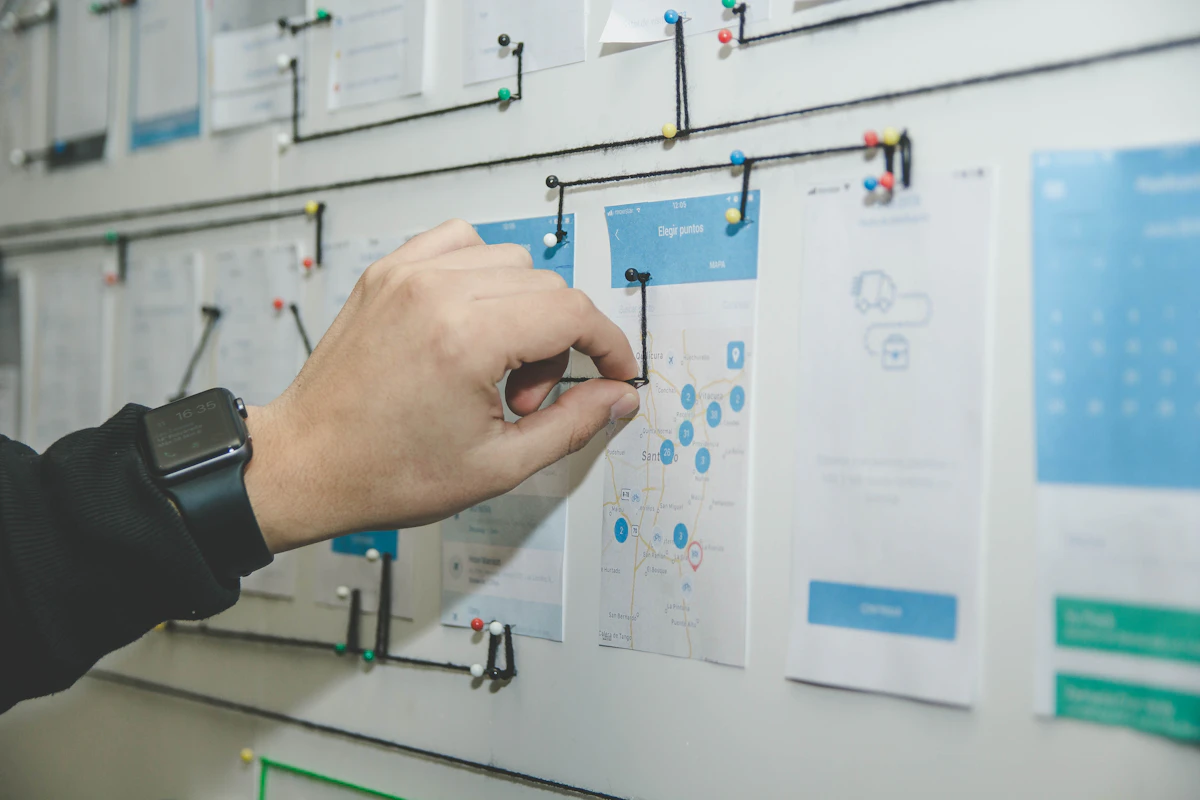
The web development landscape has shifted dramatically. In the past, proposing a new website design to a prospective client was a slow, labor-intensive process. It required days of wireframing, designing mockups in Figma, and building static clickable prototypes.
Today, generative AI tools have compressed this entire lifecycle. With advanced code generation platforms like Lovable, Bolt.new, v0.dev, and modern LLMs like Claude 3.5 Sonnet and GPT-4o, agencies can spin up fully interactive, responsive web prototypes in a matter of hours.
However, the quality of your AI-generated website is directly tied to the quality of your prompts. If you feed an AI a basic prompt like *”build a modern homepage for a marketing agency,”* you will receive a generic, uninspiring layout that looks like a 2018 template.
To win clients and build truly state-of-the-art websites, agencies must master the art of advanced design prompting.
In this comprehensive guide, we will break down the structural elements of high-performing web prompts and share copy-and-paste frameworks you can use to prototype client concepts today. If you want to accelerate your workflow even further, you can leverage specialized AI prompts for agency websites or explore a curated gallery of modern website prompt templates to build sleek, trendy interfaces that wow clients.
—
The Anatomy of a High-Performing Web Design Prompt
When prompting an AI to generate a layout or code a component, you are acting as both the Creative Director and the Lead Architect. To get a premium, production-ready result, your prompt must specify details across four key dimensions: Structure, Aesthetic tokens, Interactive behaviors, and Typography.
### 1. Structural Framework Define the layout grid and navigation model. Instead of letting the AI guess where elements should go, specify the page sections and column alignments: * *Example:* *”Use a asymmetric 12-column grid layout, a sticky header with a glassmorphism blur effect, a prominent hero section on the left with a 3D element placeholder on the right, followed by a 3-column feature grid.”*
### 2. Aesthetic Tokens (The Design System) Instruct the AI on color theory, border radii, shadows, and textures. This prevents the AI from falling back on default browser styles. * *Example:* *”Use a curated dark mode palette with deep slate grey (#121824) as the background, electric violet (#8B5CF6) for primary accents, and emerald green (#10B981) for success states. Apply a subtle border-radius of 12px to all card containers and soft, diffused box shadows.”*
### 3. Interactive Behaviors (Micro-Animations) AI-generated sites can feel flat without interactive states. Prompt the AI to build smooth hover transitions, button expansions, and page transitions. * *Example:* *”Ensure all CTA buttons feature a smooth scale-up transition on hover (duration 200ms) with a subtle gradient shift. Link cards should have a translation effect on hover, moving 4px upward with a drop shadow expansion.”*
### 4. Typography Hierarchy Specify font weights, scale, and pairings to ensure the text hierarchy looks premium and highly readable. * *Example:* *”Use clean sans-serif typography. Set header elements (H1, H2) in a bold geometric font (like Outfit or Inter) with tight letter-spacing (-0.02em). Body copy should use a highly legible, lighter sans-serif with comfortable line-height (1.6).”*
—
Pro-Grade Prompts for Modern Agency Websites
To help you get started, we have compiled three highly optimized prompts designed for modern web layouts. You can copy, modify, and paste these into your favorite generative AI tool.
### Prompt 1: The High-Converting SaaS Landing Page > *”Create a responsive React landing page for a B2B SaaS startup. Structure: 1. Navigation: Sticky bar with logo, 4 links, and a pill-shaped CTA button. 2. Hero: Centered headline with a bold font, a two-sentence subheadline, two CTA buttons (primary filled, secondary outline), and a desktop app mockup placeholder with a glowing ambient background shadow. 3. Feature Grid: A 3-column card layout showcasing product benefits with clean icons, bold subheaders, and light slate borders. 4. Pricing: A toggleable monthly/annual pricing comparison section with a highlighted ‘Most Popular’ tier. Styling: Sleek dark mode, deep indigo accents, soft gradients, and subtle border highlights. Use Inter font.”*
### Prompt 2: The Creative Agency Portfolio > *”Generate a modern portfolio layout for a creative design agency. Structure: 1. Header: Minimalist left-aligned logo and right-aligned hamburger menu. 2. Hero: Immersive fullscreen typography intro with massive heading text, using a split-screen layout showing a vibrant abstract image placeholder on the right. 3. Portfolio Showcase: A dynamic 2-column masonry grid displaying case study cards. Each card must show a full-width project image, category tag, and project title. Hovering over a card should trigger a smooth zoom effect on the image and reveal a ‘View Project’ arrow button. Styling: High-contrast white background, pitch-black text, neon orange accents, bold geometric typography (like Montserrat), and plenty of whitespace.”*
### Prompt 3: The Tech-Enabled Consultancy Dashboard > *”Code a client dashboard interface for a consultancy. Structure: 1. Sidebar: Left-aligned navigation containing home, analytics, reports, messages, and settings. 2. Top Bar: Search input field, notification bell with active badge, and user profile avatar. 3. Main Workspace: A grid of 4 KPI metrics cards at the top displaying growth percentages with mini sparkline charts. Below, a 2-column section featuring a detailed line chart showing monthly analytics on the left, and a list of ‘Recent Tasks’ with status pills (In Progress, Completed, Pending) on the right. Styling: Clean, professional light mode, soft grey backgrounds, teal accent colors, subtle border shadows, and Outfit typography.”*
—
Accelerating the Pre-Sales Cycle for Agencies
One of the most profitable ways digital agencies can utilize generative design prompting is during the pre-sales and proposal phase.
Traditionally, pitching a custom website concept to a prospect was a risky investment. You had to commit designer hours to build mockups for a client who hadn’t signed a contract yet. If they chose another agency, those hours were lost.
With AI prompting, the math changes completely: 1. Rapid Prototyping: Within 30 minutes of your discovery call, your team can use curated AI prompts for agency websites to generate a fully functioning homepage prototype. 2. Interactive Pitching: Instead of presenting static PDFs, you show the client a live URL where they can interact with menus, hover over buttons, and see the responsive layout on their phones. 3. Instant Revisions: If the client says, *”I love it, but can we see it with a dark theme and rounded cards?”* you edit your design tokens prompt, regenerate the layout, and show them the revision in minutes.
By reducing the friction of the visualization process, you build immediate confidence, demonstrate incredible speed, and close contracts at a significantly higher rate.
—
Elevating Your Workflow with Professional Templates
While writing custom prompts is highly effective, building a structured database of templates ensures your agency’s output remains consistent across your team.
Using dedicated modern website prompt templates allows your developers and designers to skip the trial-and-error phase of prompting. These templates come pre-optimized with the latest design systems, accessible grid setups, clean component styling, and smooth micro-animations.
Your team simply takes the pre-structured prompt template, modifies the client’s specific branding assets (logo, copy, brand colors), and outputs a highly polished, production-grade interface that requires minimal manual refactoring.
—
Conclusion
Generative AI prompting has democratized the web design process, but it has also raised the bar for what qualifies as a premium website. To stand out in 2026, agencies must move past basic prompts and learn to specify detailed design systems, structural layouts, and interactive micro-animations. By integrating these advanced prompts into your agency’s workflow and utilizing curated prompt templates, you can prototype faster, impress prospects during pitches, and scale your website development operations to new heights. Happy prompting!
Leave a Reply
You must be logged in to post a comment.